
Describe or upload
Describe the subject, composition and style, or add reference images and explain what to change.
Create from a description or transform your reference images with GPT Image 2.5. Start with Flare for everyday creation, or switch to Sunburst when editing precision and fine detail matter most.
Choose Flare or Sunburst in the generator, then shape the result with your own instructions.
Describe the subject, composition and style, or add reference images and explain what to change.
Use Flare for speed or Sunburst for finer edits. Select the aspect ratio, resolution, quality and number of images.
Review the credit estimate before generating. Request 1–4 images, each processed as its own task.
Download the result or use it as a reference for another edit. State what should change and what should stay.
Flare and Sunburst share the same controls and credit pricing on NovaImage. Choose the model that suits the task.
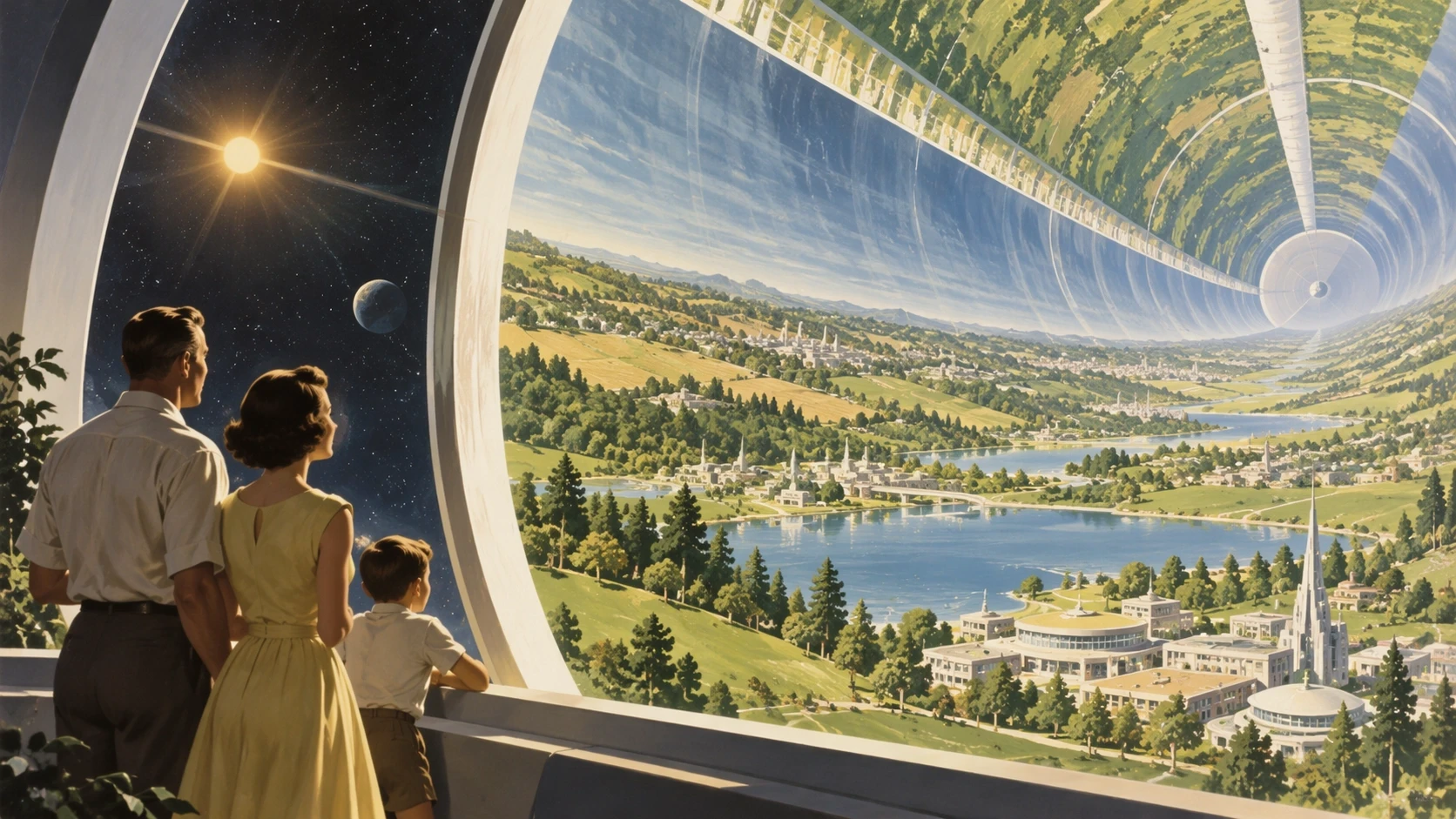
The speed-focused option for everyday image creation, exploring ideas and trying visual variations. Flare is selected when you first open this page.
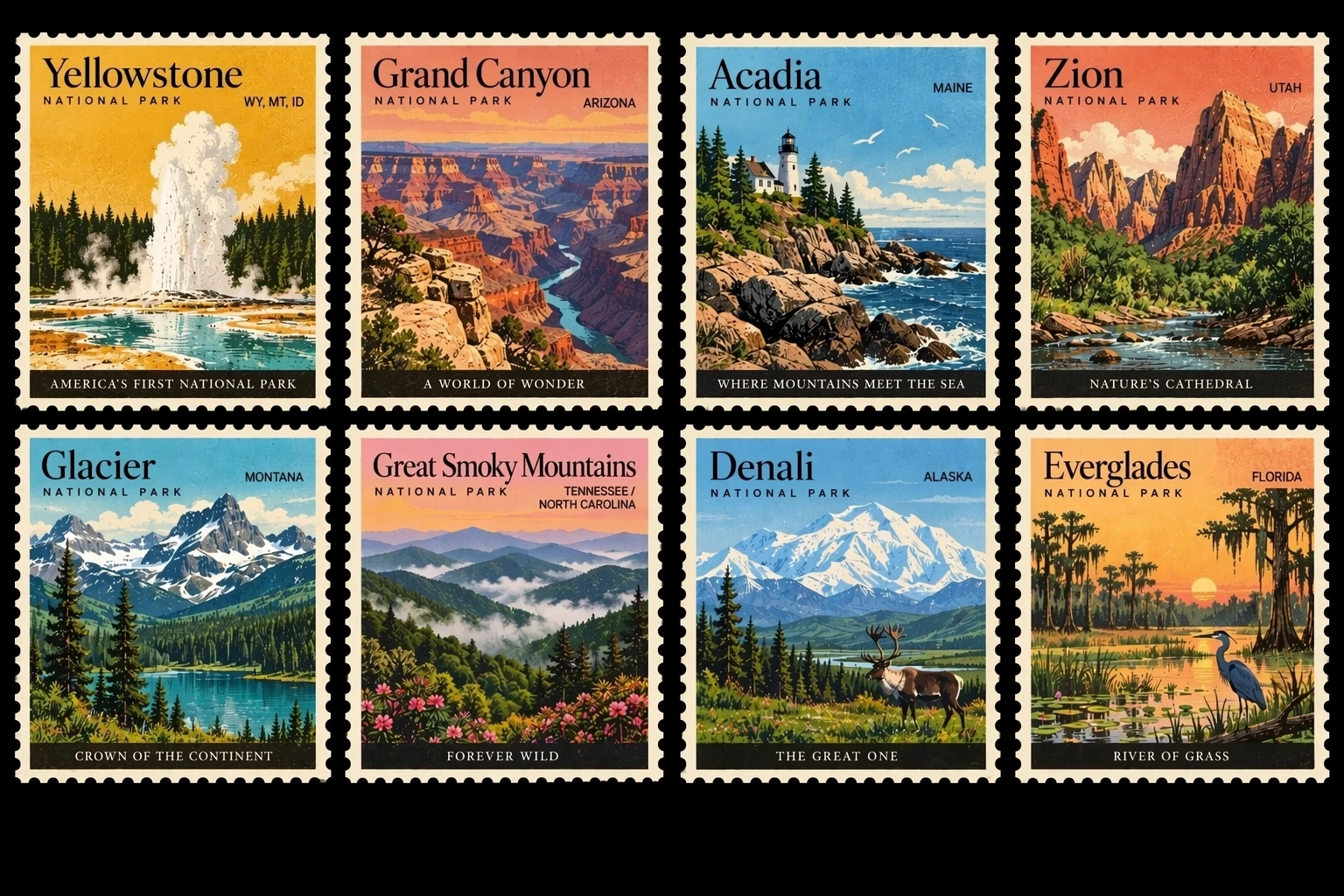
The detail-focused option for precise reference edits and carefully directed compositions. Allow more generation time than with Flare.
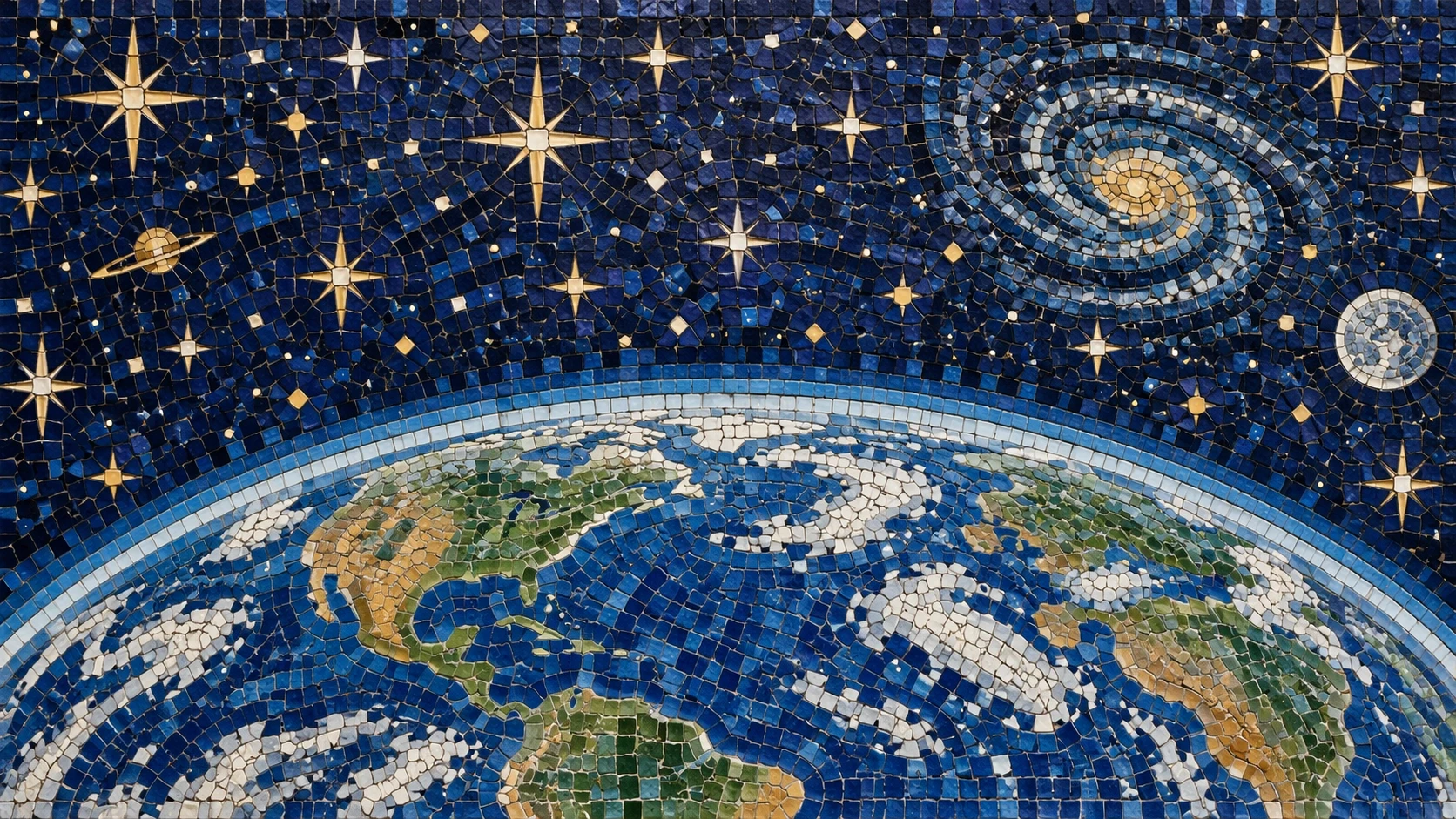
Combine reference images with written instructions. Specify each image’s role and describe the details you want to preserve or change.
Choose from 15 aspect ratios, 1K / 2K / 4K and low / medium / high quality. The displayed resolution is a size tier; exact dimensions depend on the aspect ratio.
Start with a clear brief and choose the model for your workflow.
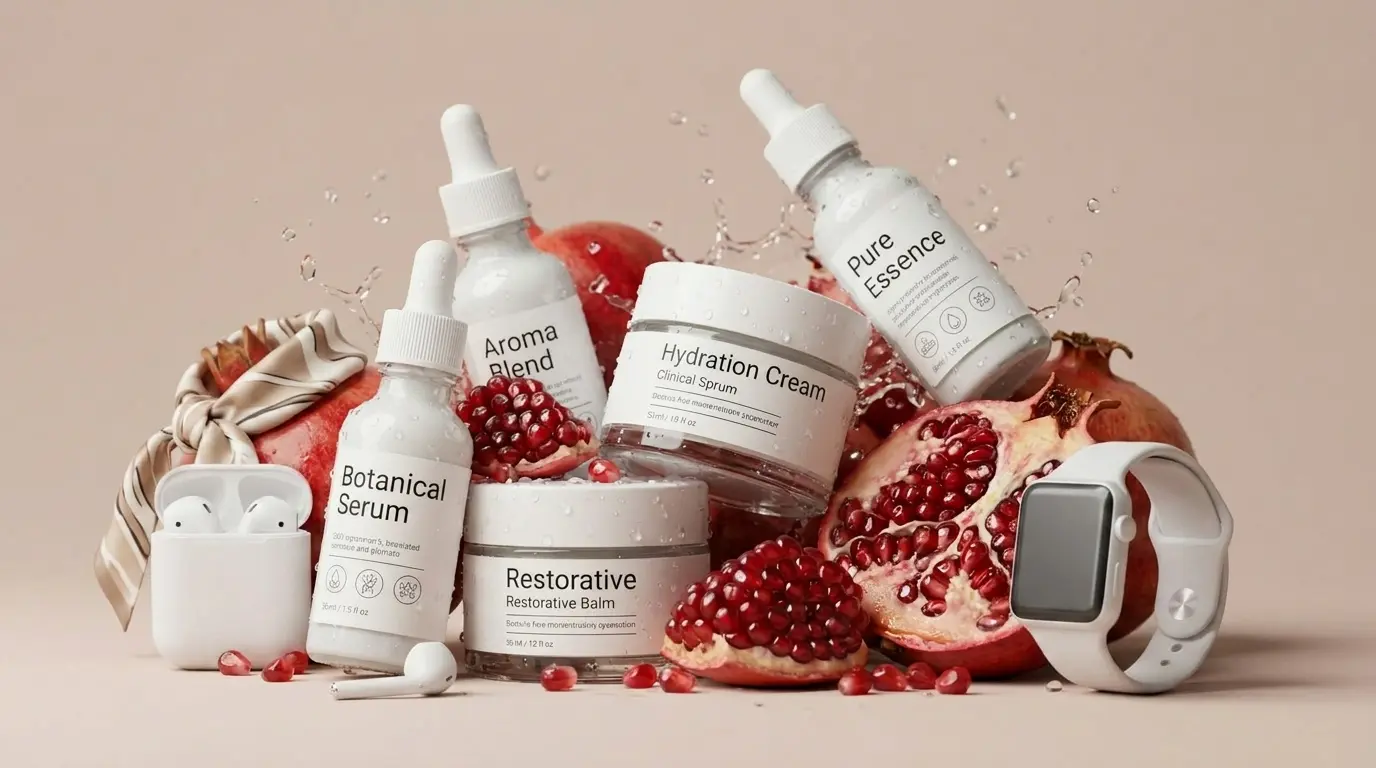
Place a product reference in a new setting and describe the background, lighting and composition.
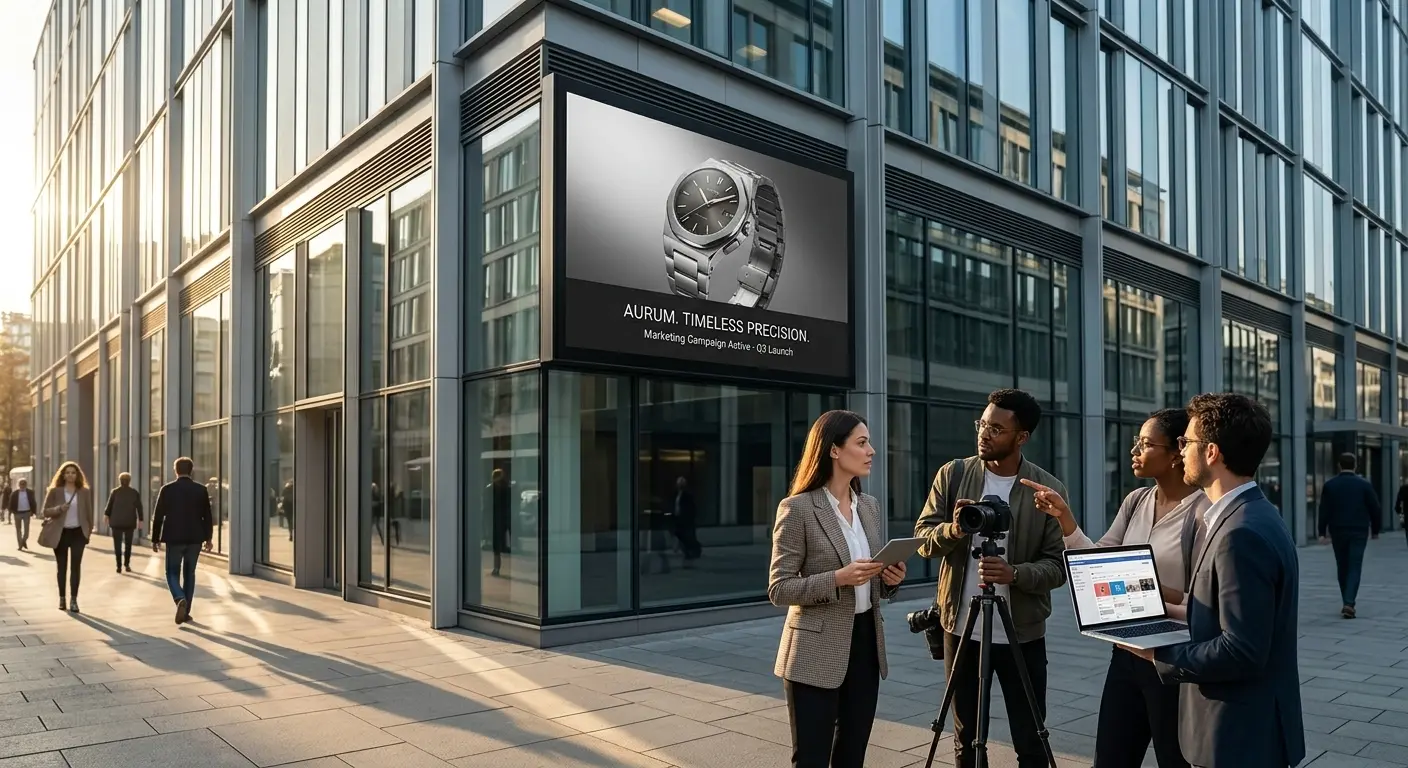
Explore campaign visuals. Provide the exact headline and desired placement, then review text before publishing.
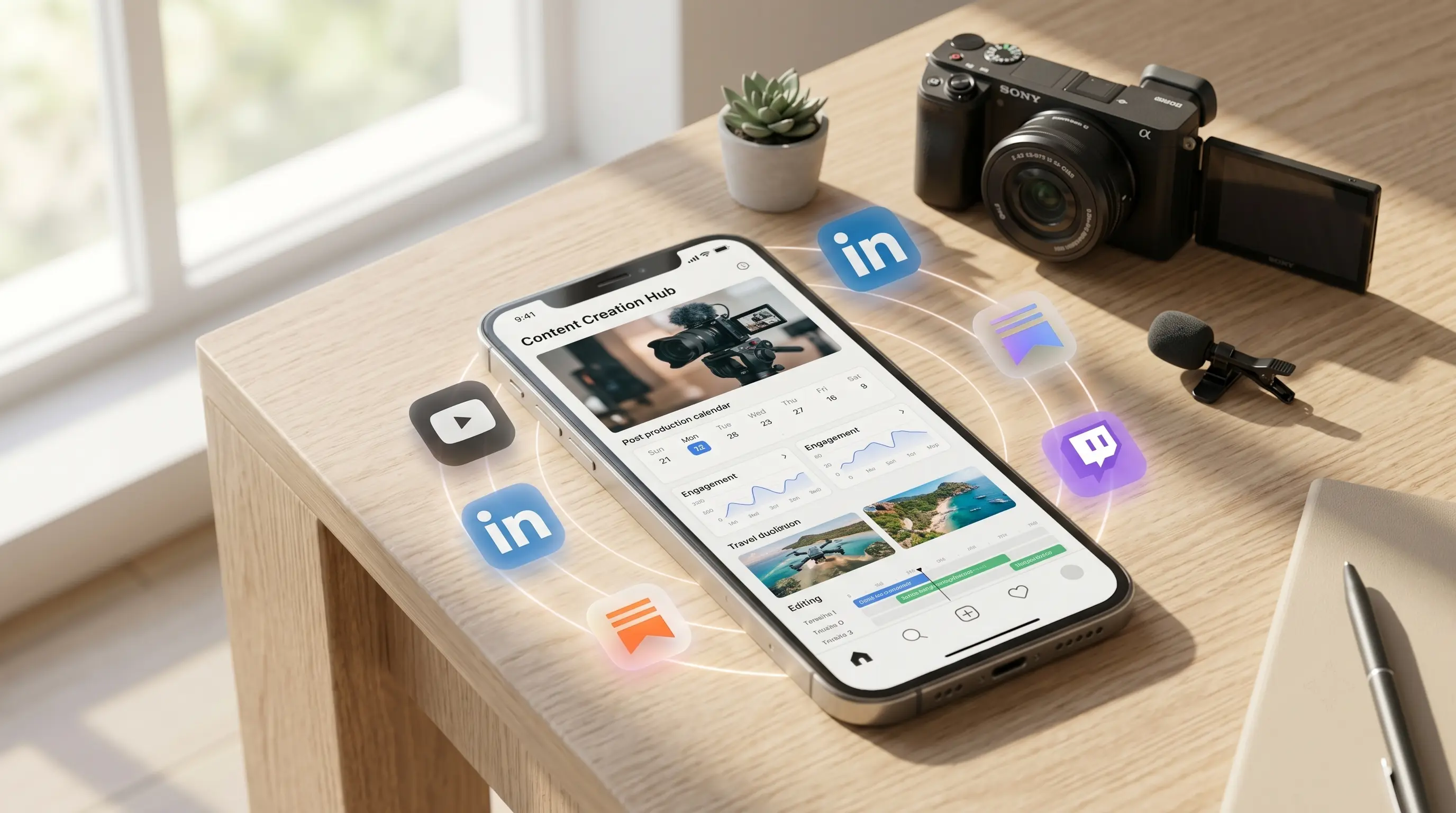
Create portrait, square or landscape images for different placements using a shared visual brief.
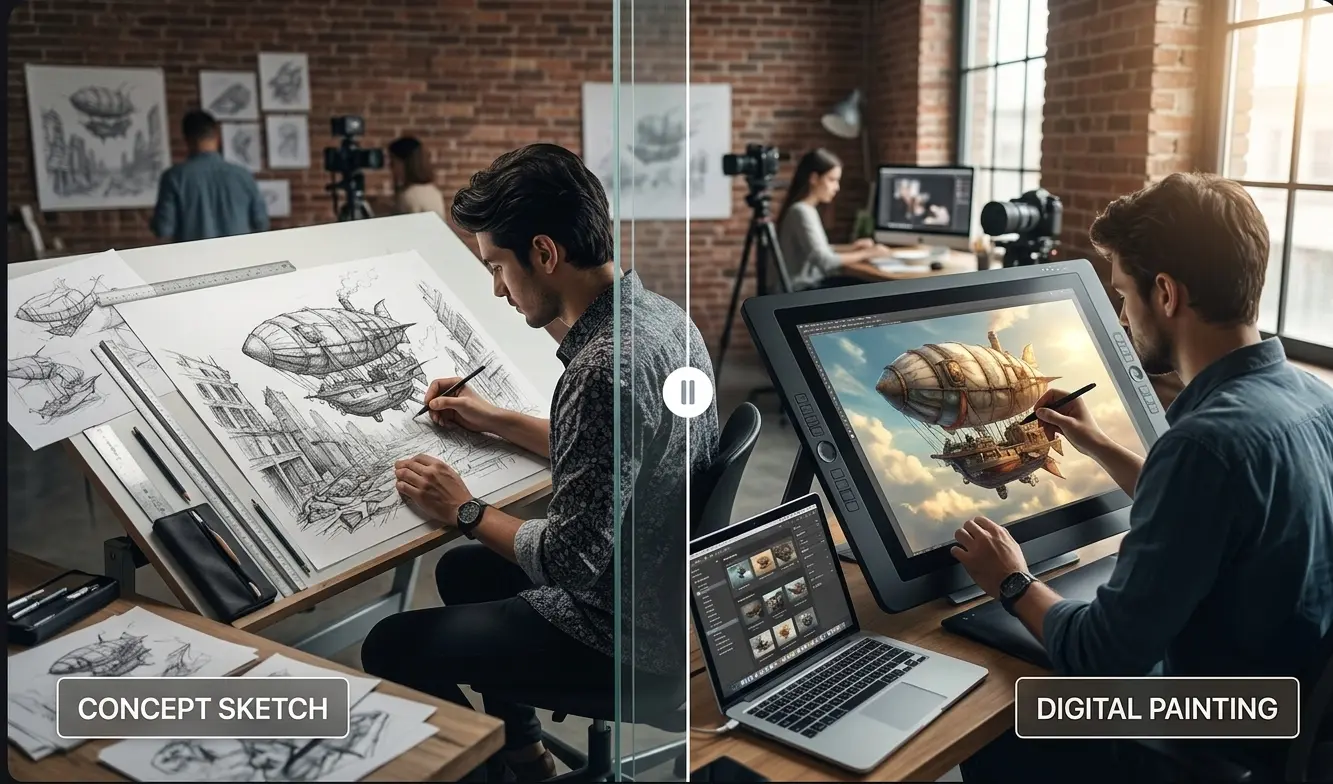
Request changes to clothing, objects or a scene, and explicitly identify the elements to preserve.
Start with Flare, or choose Sunburst for your next detailed edit.
Start creatingNovaImage is an independent video and image creation platform using third-party AI models. Learn more