AI Image Generator & Editor

Turn an idea into an image, or upload a photo and describe the changes.

Loading editor…

USE CASES

What you can create with NovaImage

Create product photos, social content, and campaign visuals — pick a scenario to get started.

Online sellers

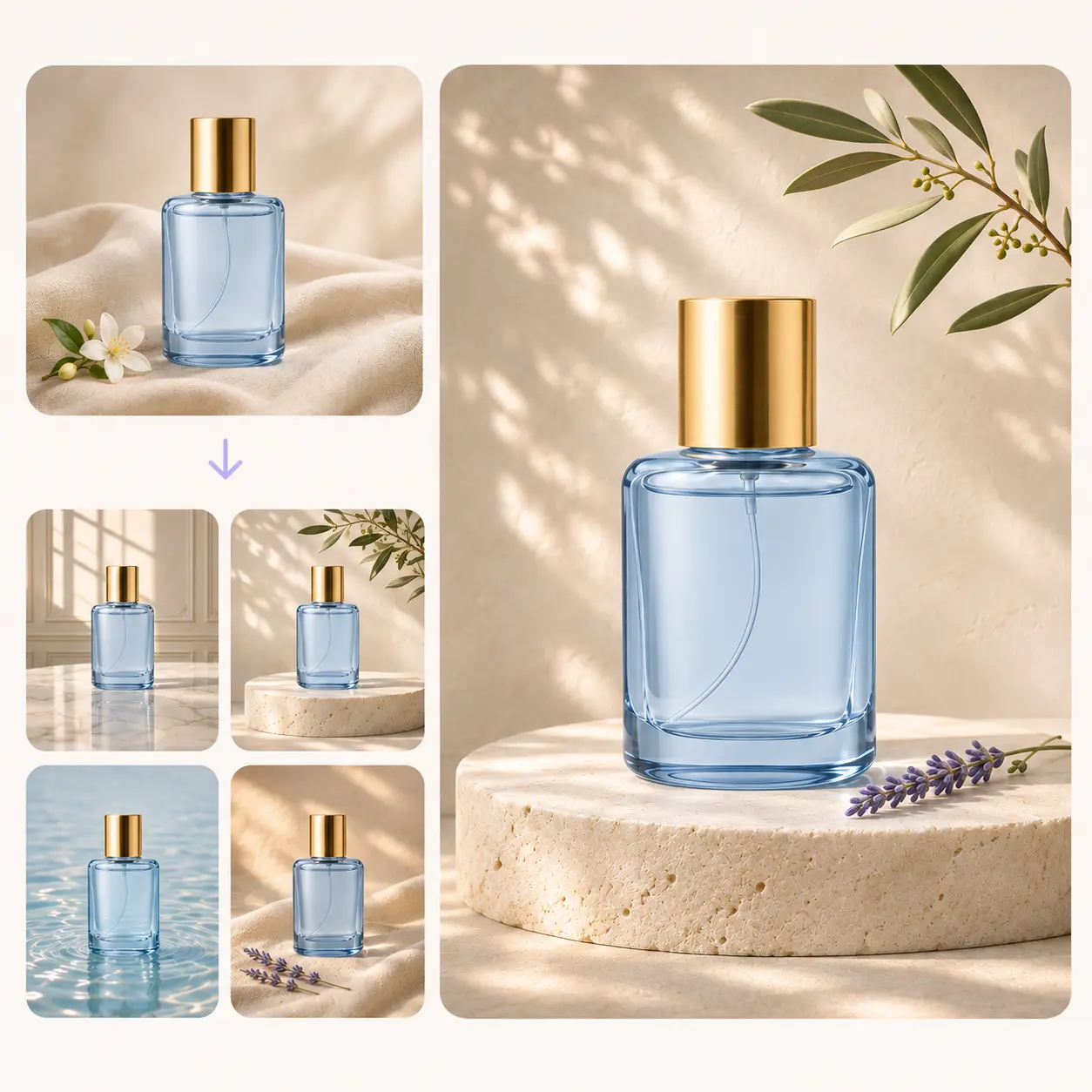
Product Photography

Product Photography

Turn a product snapshot into a studio shot for your store.
AI Clothes Changer

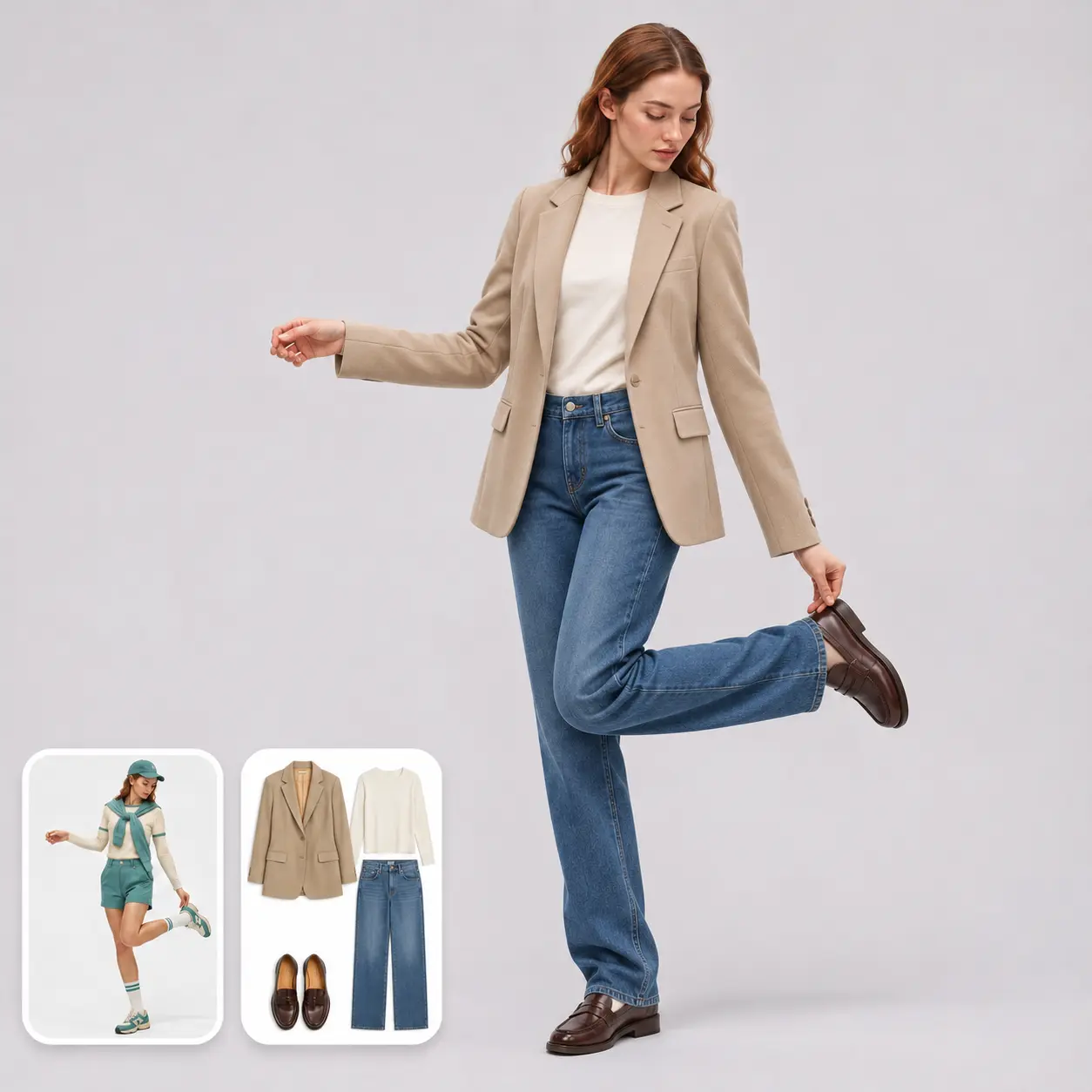
AI Clothes Changer

Show a different outfit on the same model.

AI Mockup Generator

AI Mockup Generator

Preview your artwork on a canvas tote, packaging, or other products.
Content creators

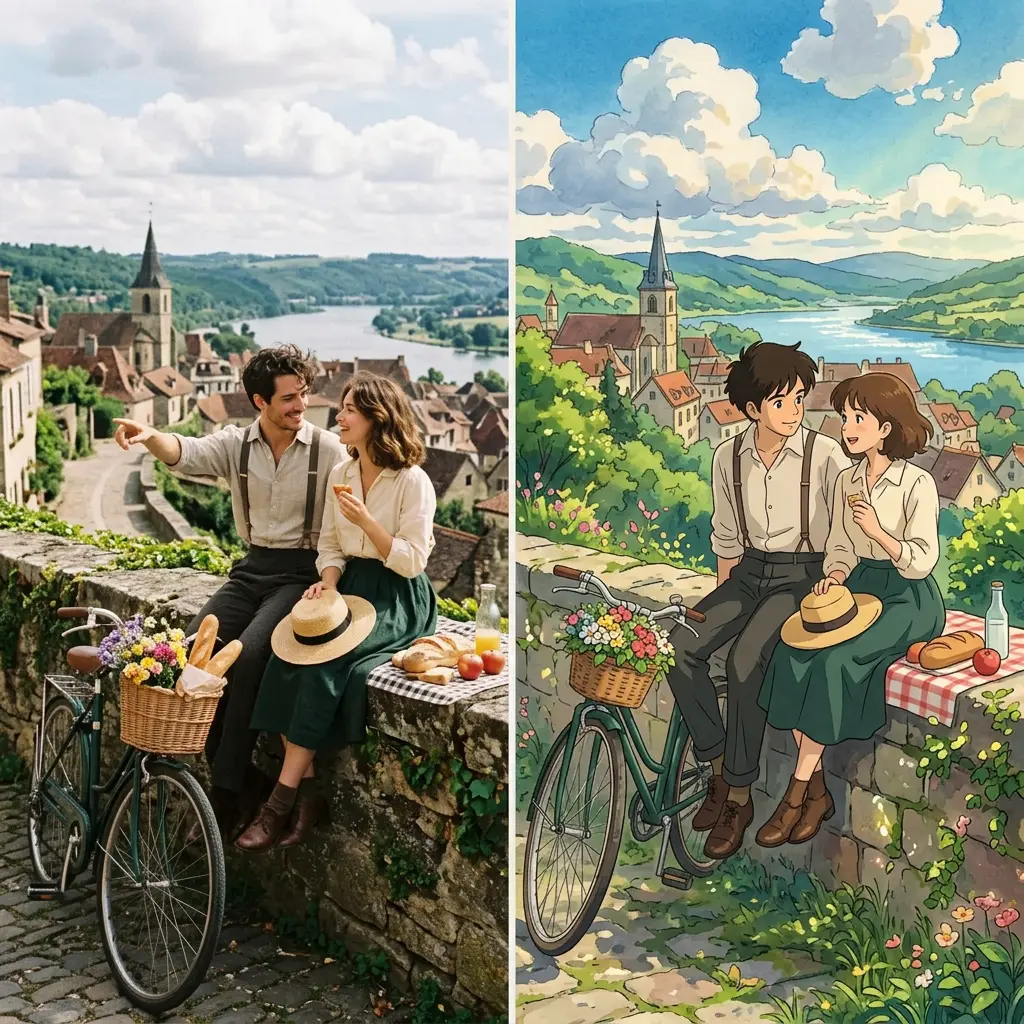
Photo Style Transfer

Photo Style Transfer

Give your photo a hand-painted illustration style.

Social Media Covers

Social Media Covers

Turn a photo into a cover for a short video or post, with room for a headline.
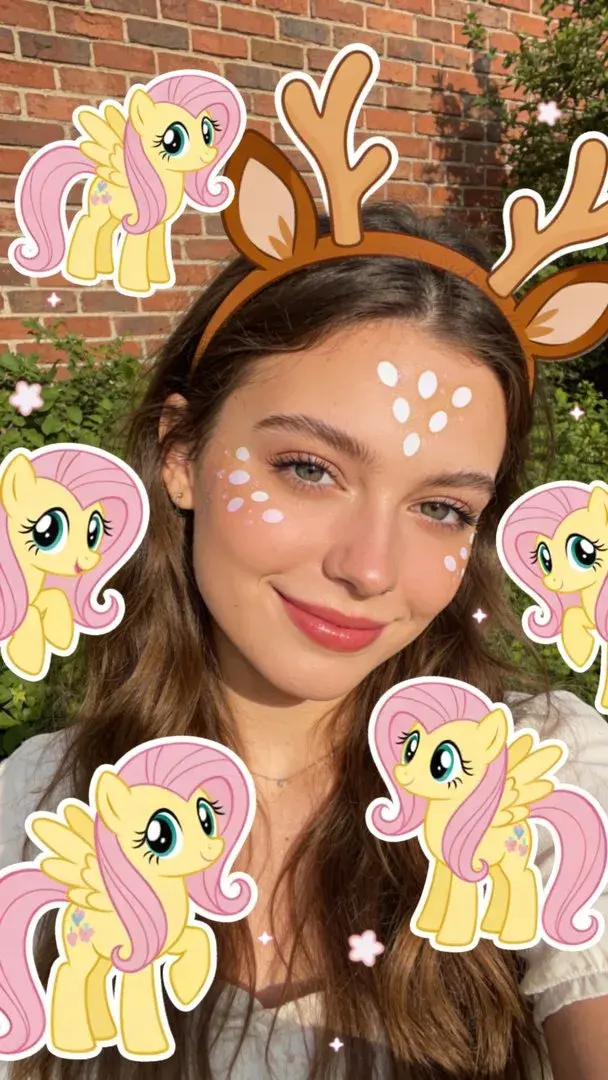
Portrait with pastel pony characters

AI Avatar Creation

Turn your portrait into a recognizable profile image.
Marketing and design teams

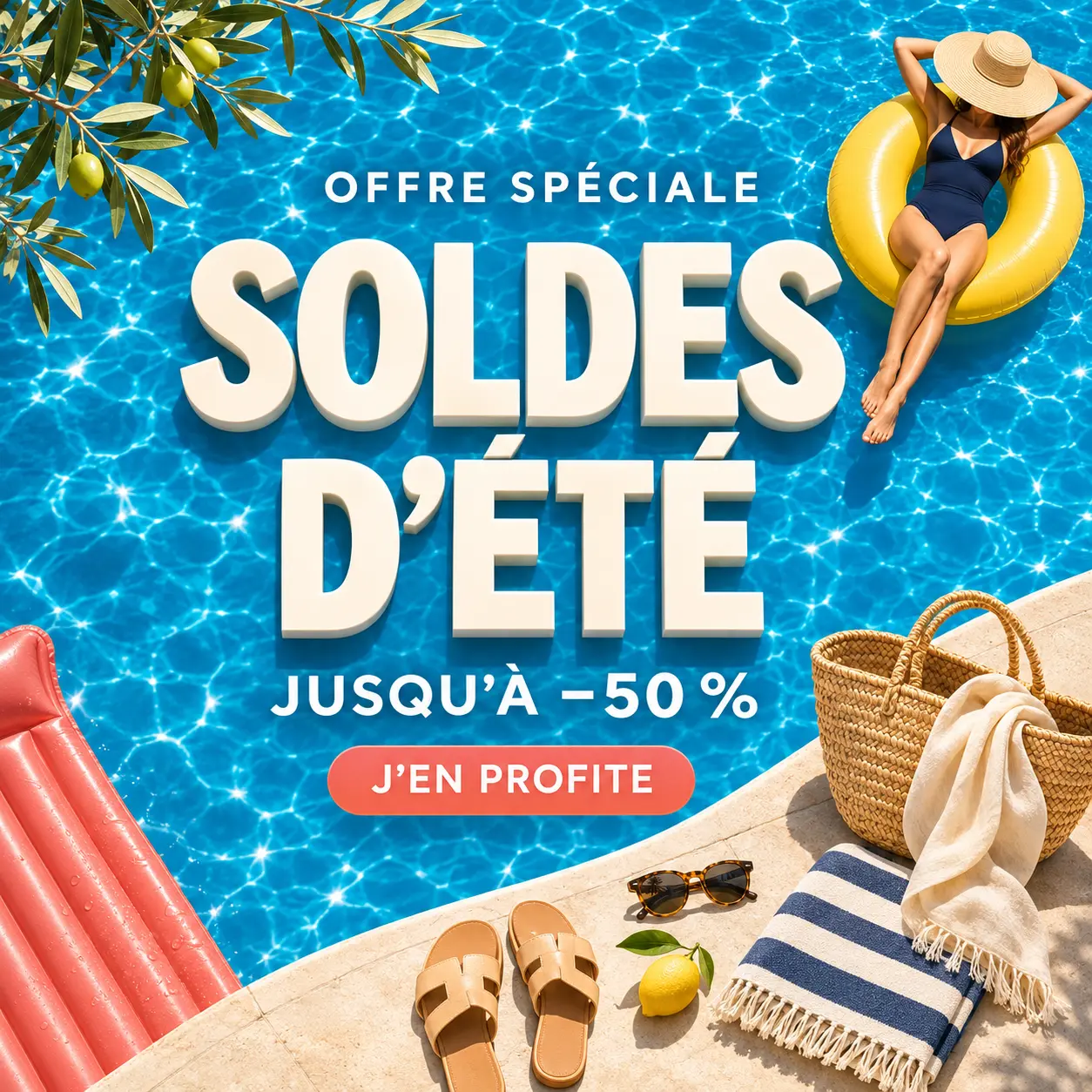
AI Poster Generation

AI Poster Generation

Turn a short campaign brief into a promotional poster.
Translate Text in Images

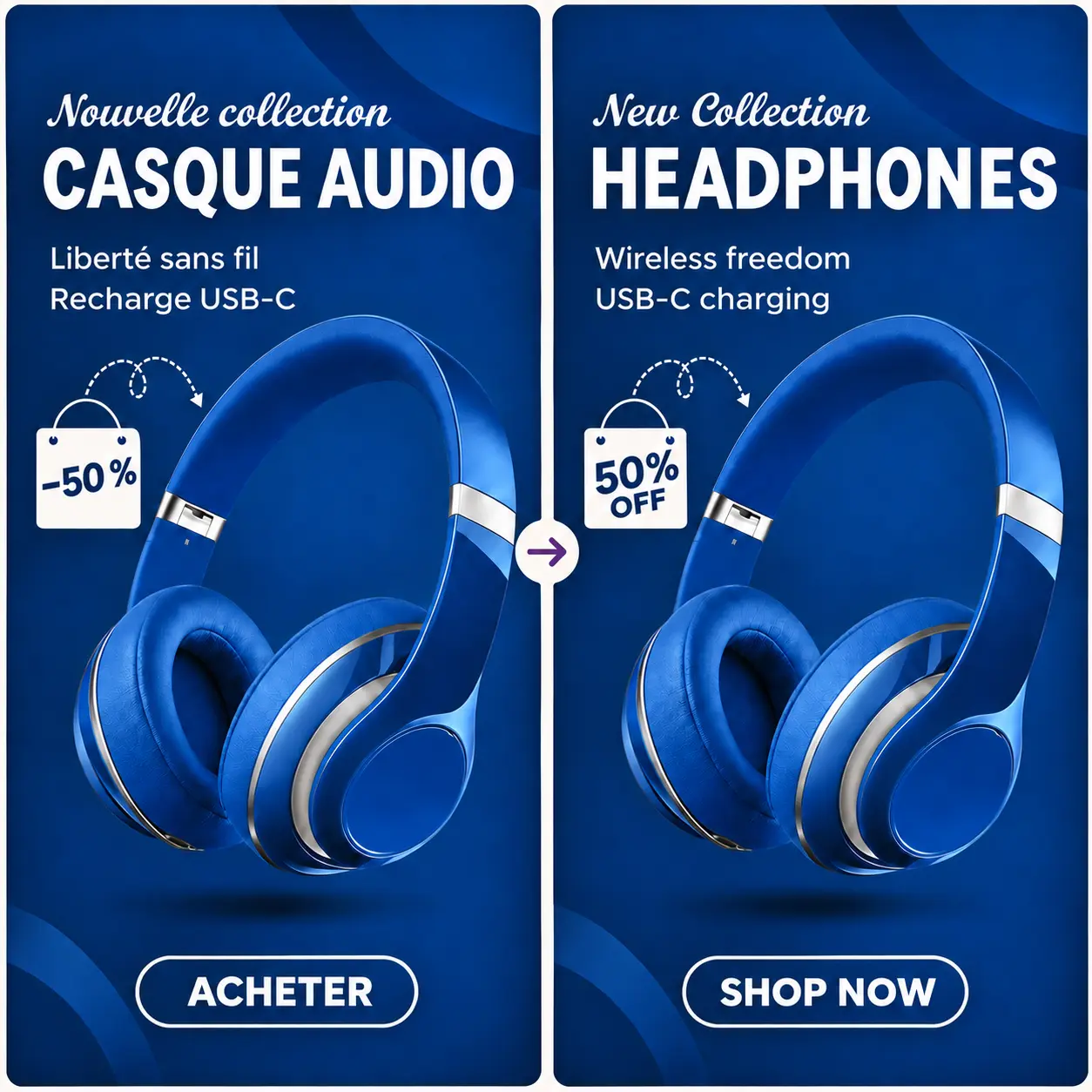
Translate Text in Images

Adapt an ad for another language while keeping its layout.
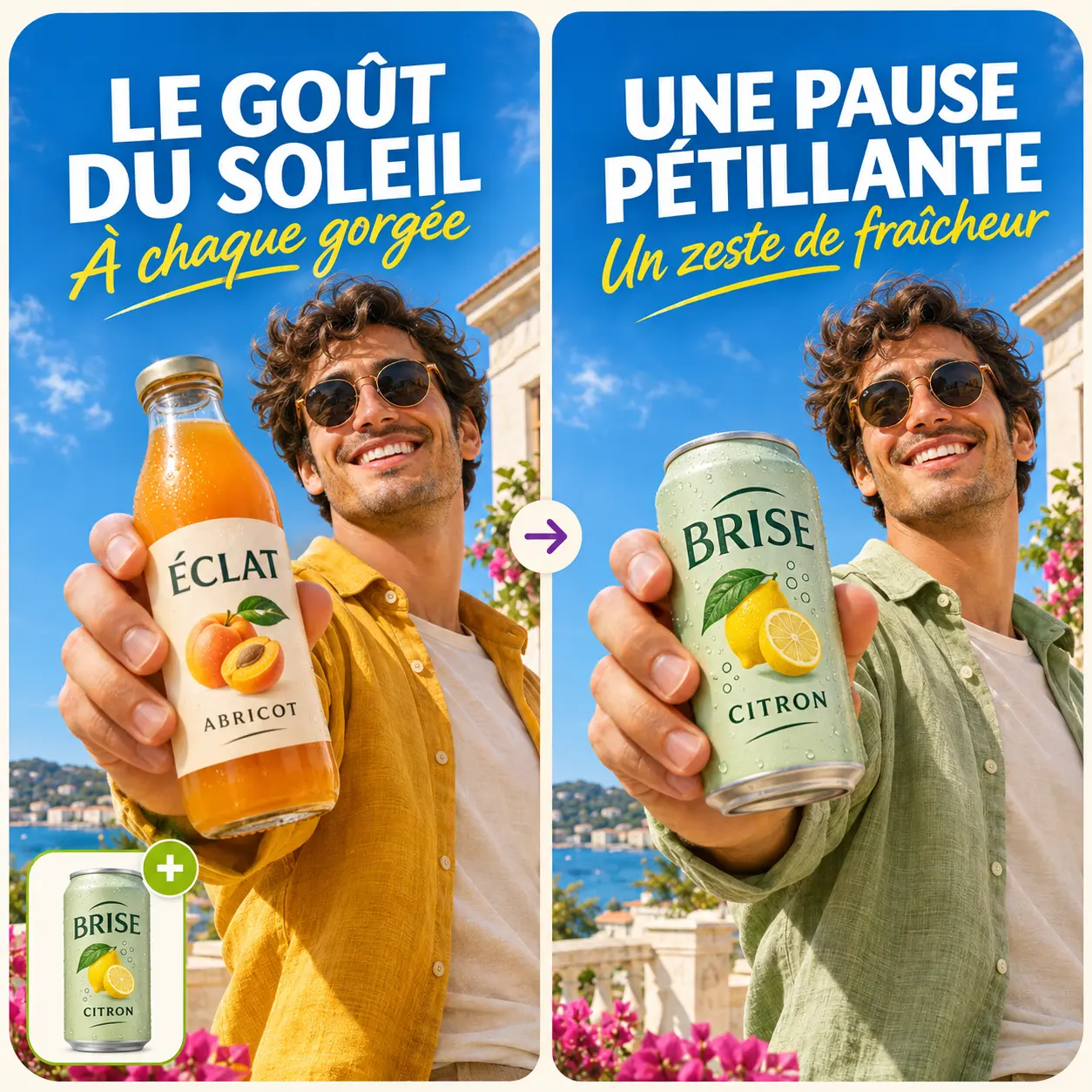
Ads Clone

Ads Clone

Try different colors and layouts using an existing ad.

MORE TOOLS

More AI Image and Video Tools

Explore tools for prompts, image enhancement, and video creation.
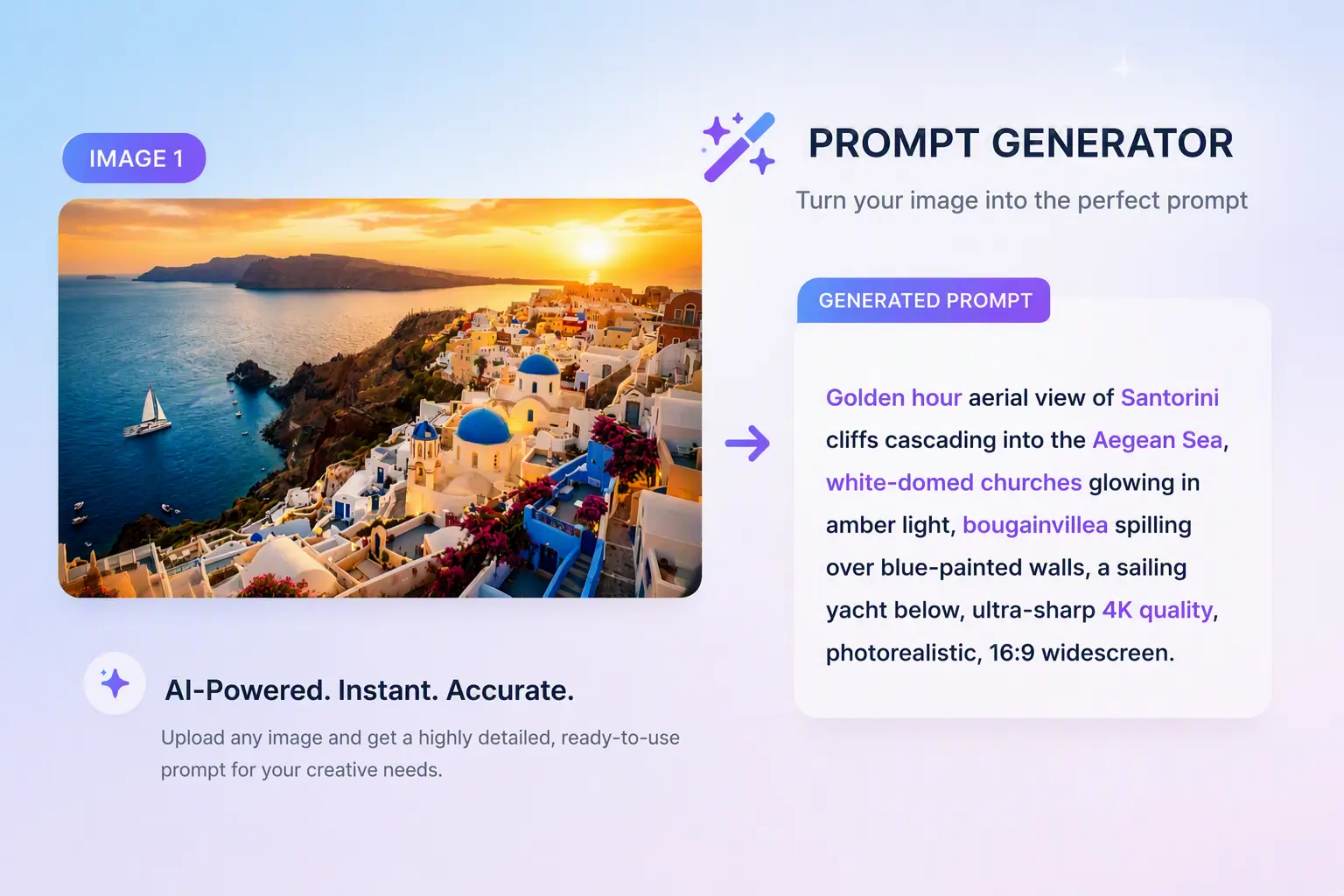
Why choose

Why sellers and creators choose NovaImage

Create product visuals, social media covers, and campaign assets from a prompt or a photo you already have.
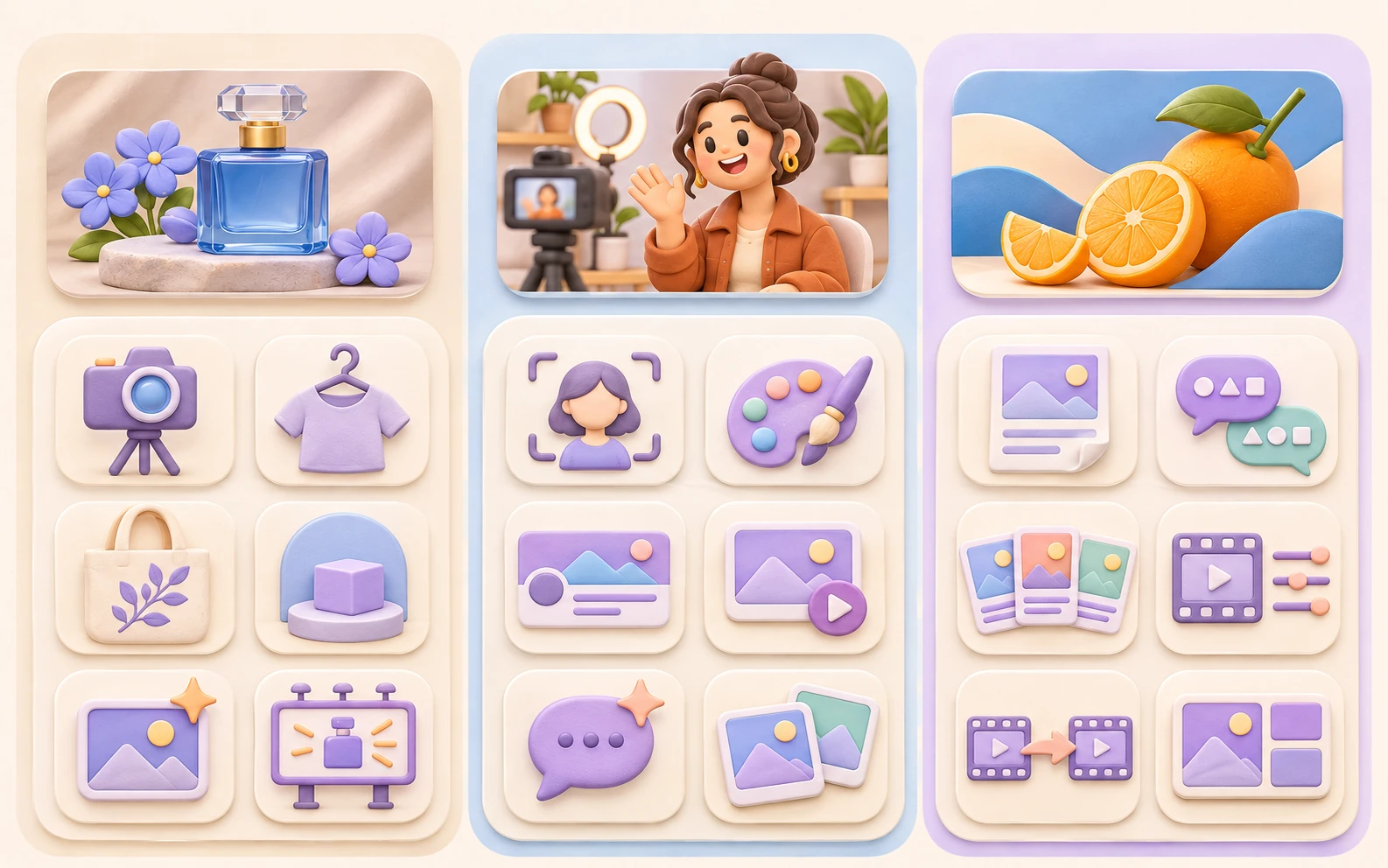
Built for sellers and creators
Tools and templates

Built for sellers and creators

Use tools and templates built for product photos, mockups, social covers, and ad creatives.
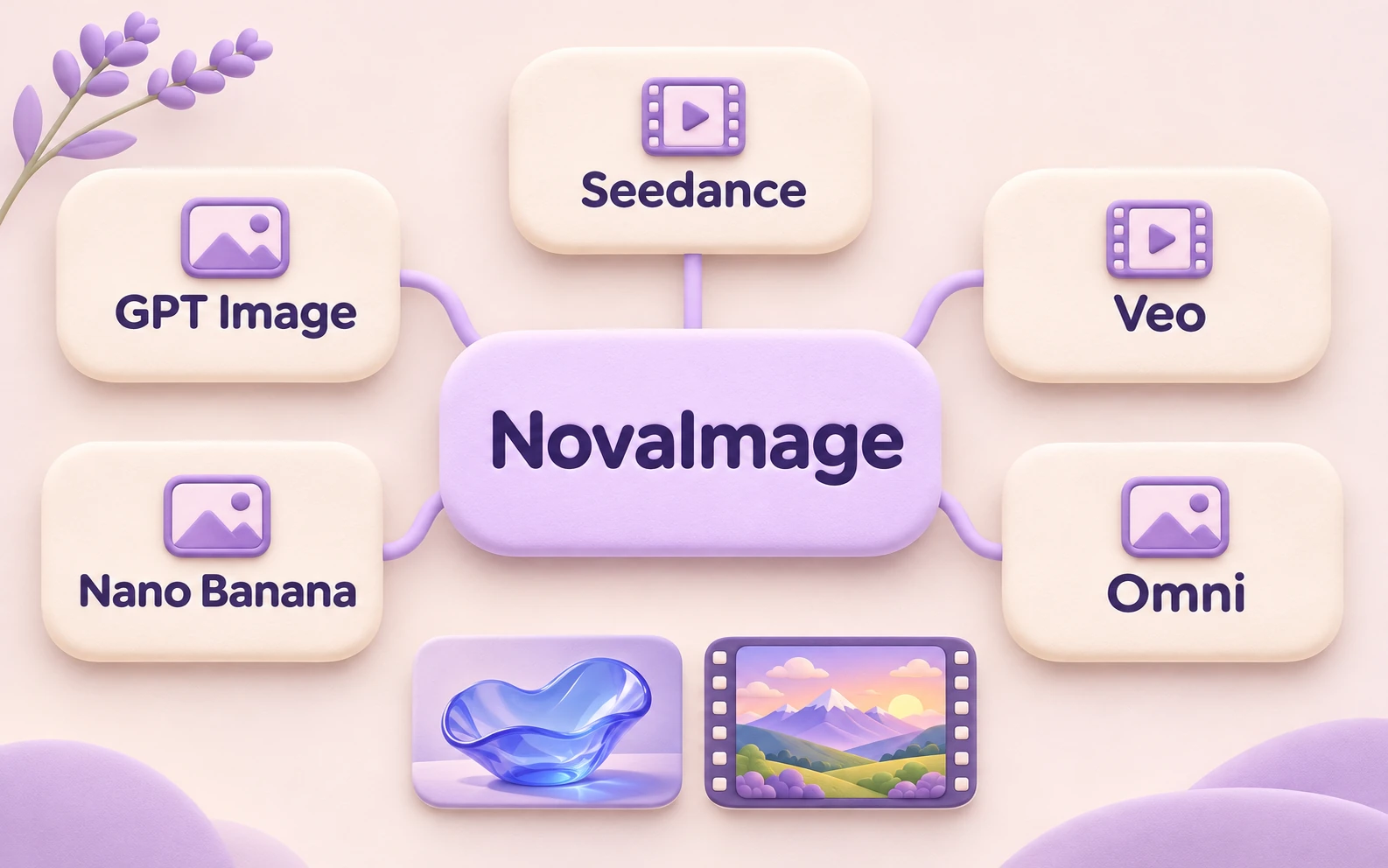
Leading image and video models in one place
Image and video models

Leading image and video models in one place

Choose the right model for each job. Create detailed product visuals with GPT Image 2 or Nano Banana Pro, or make short videos with Seedance and Veo.
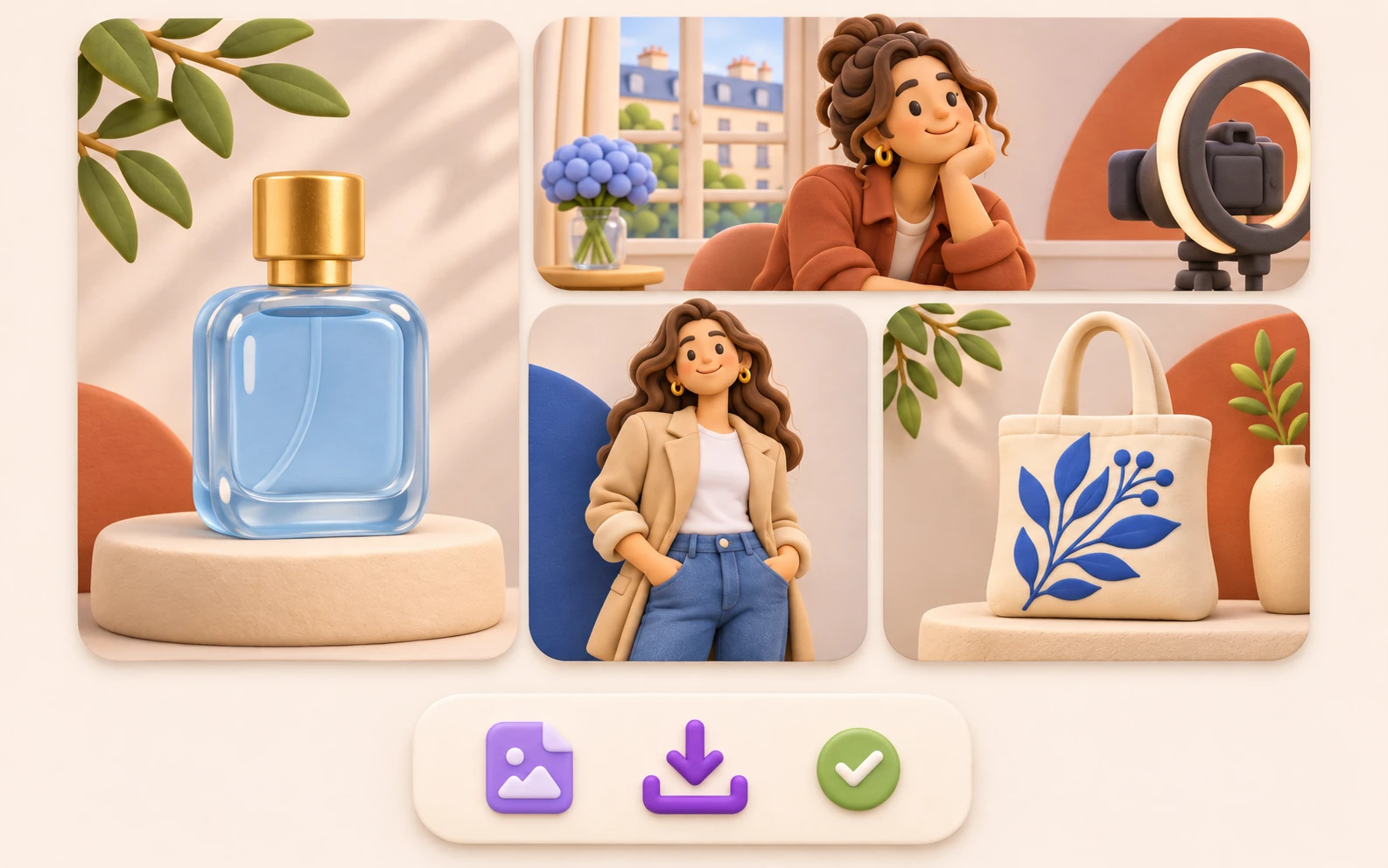
Create for commercial use
Commercial use

Create for commercial use

Use eligible creations in product listings, ads, and client projects, subject to your plan, our Terms, and applicable model and source asset restrictions. Downloads are watermark-free.
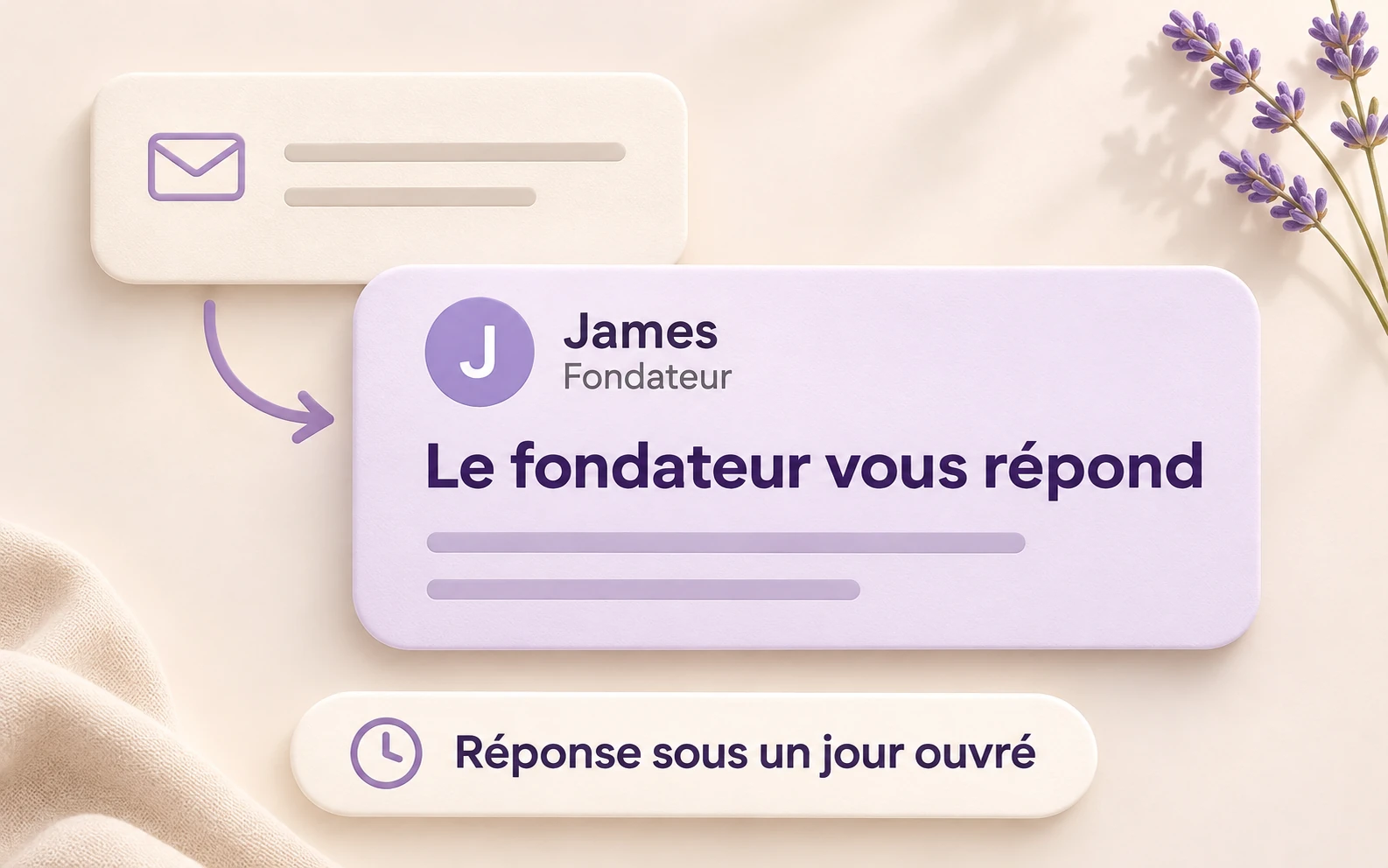
Get a reply from the founder
Founder support

Get a reply from the founder

Email us and get a personal reply from the founder within one business day.

FAQ

NovaImage Video Editor FAQ

Answers to common questions about creating, editing, and extending videos with NovaImage.

NovaImage is an AI video editor and generator for creating new clips and transforming existing footage. With Seedance 2.5, use prompts and references to create visual effects, change backgrounds, adjust lighting and visual style, or explore new camera perspectives. You can also generate videos from text or images and extend scenes forward or backward.

Upload your source clip to NovaImage’s AI video editor and describe what you want to change—for example, turn a daytime scene into a sunset. With Seedance 2.5 in Video Edit mode, you can add supported references to guide the edit, then generate and preview a new version.

Yes. Use Seedance 2.5 in Video Extend mode to continue the action after your clip or add a lead-in before it. Upload the source video, choose the extension direction, and describe what should happen in the added scene.

Use Text to Video to turn a written scene description into a clip, or Image to Video to animate a starting image. Describe the action, mood, and camera movement you want, then generate a video with your chosen model.

NovaImage offers Seedance 2.5, Seedance 2.0 (Mini, Fast, and Standard), and Veo 3 options for video generation, including image-to-video. Seedance 2.5 also supports editing and extending existing videos.

Yes. Use images to guide appearance and style, videos to reference motion and camera work, and audio to guide sound. Seedance supports image, video, and audio references, while Veo reference workflows use images. Available inputs depend on the selected model and mode.

Seedance 2.5 offers 480p and 720p output. Modes with a selectable output duration support 4–30 seconds; Video Edit uses an automatic duration instead of a manually selected length. Available lengths and resolutions differ across other models and modes.

Yes. Use models such as Nano Banana Pro and GPT Image 2.5 in the image workspace to generate images from text or edit existing ones. Create standalone artwork, product visuals, or reference images for a compatible video workflow.

Credits are used to run generation tasks. The amount depends on the model, mode, and output settings; some video tasks also account for the length of input clips. You can see the required credits before submitting. Visit the pricing page for plans and credit packs.

Eligible new users may receive trial credits after completing the required verification. Your account shows any credits granted and when they expire. You can use them to try a task that fits your available balance.

Yes. You can cancel at any time, with cancellation taking effect at the end of your current billing period. Open Billing in your account settings and use the customer portal to manage your subscription.

Create & Edit

Your next image starts with an idea

Describe something new or bring an existing image. Choose a model and shape the result your way.

NovaImage is an independent video and image creation platform using third-party AI models. Learn more