NovaImage: AI Image Generator

Create images from a prompt or use reference images to guide an edit. Develop product visuals, character studies and assets for your next video.
Loading editor…

Explore more tools

More Ways to Use the AI Image Generator

Create images from a prompt or use reference images to guide an edit. Develop product visuals, character studies and assets for your next video.
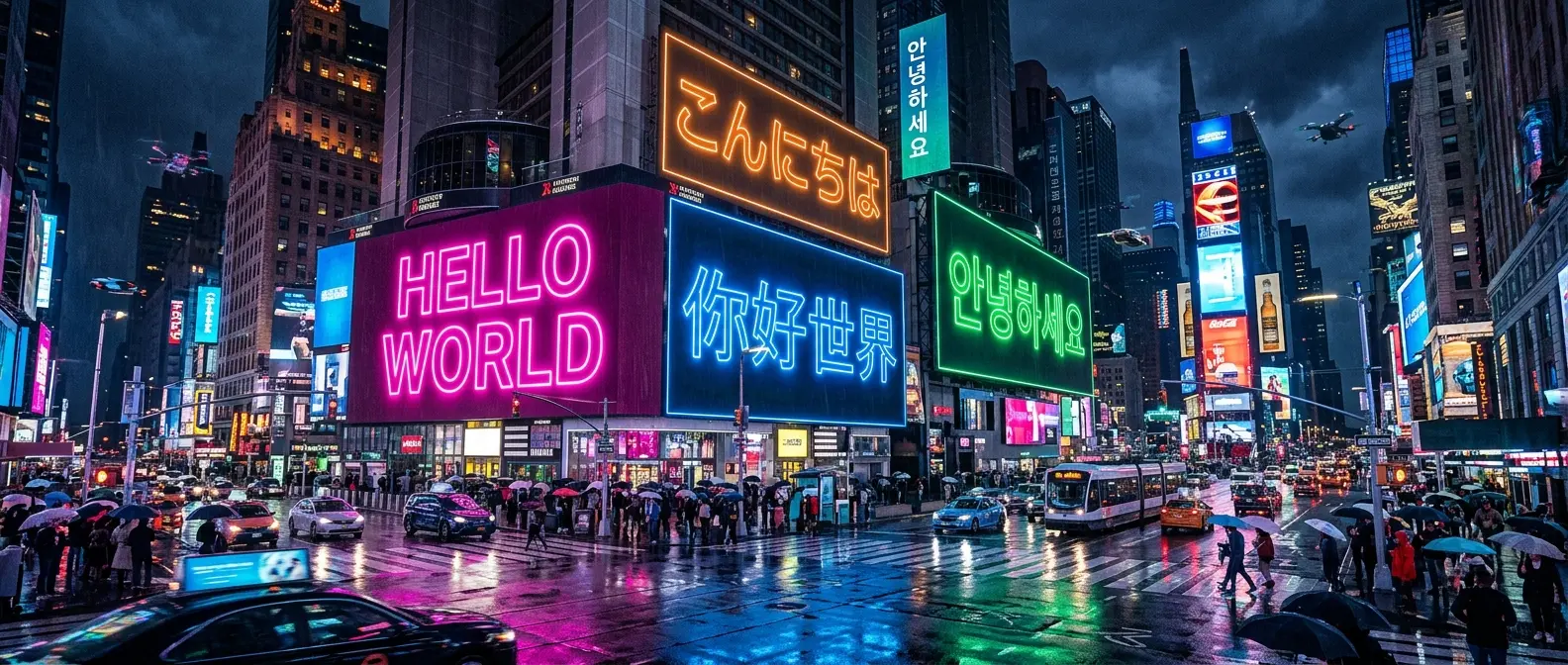
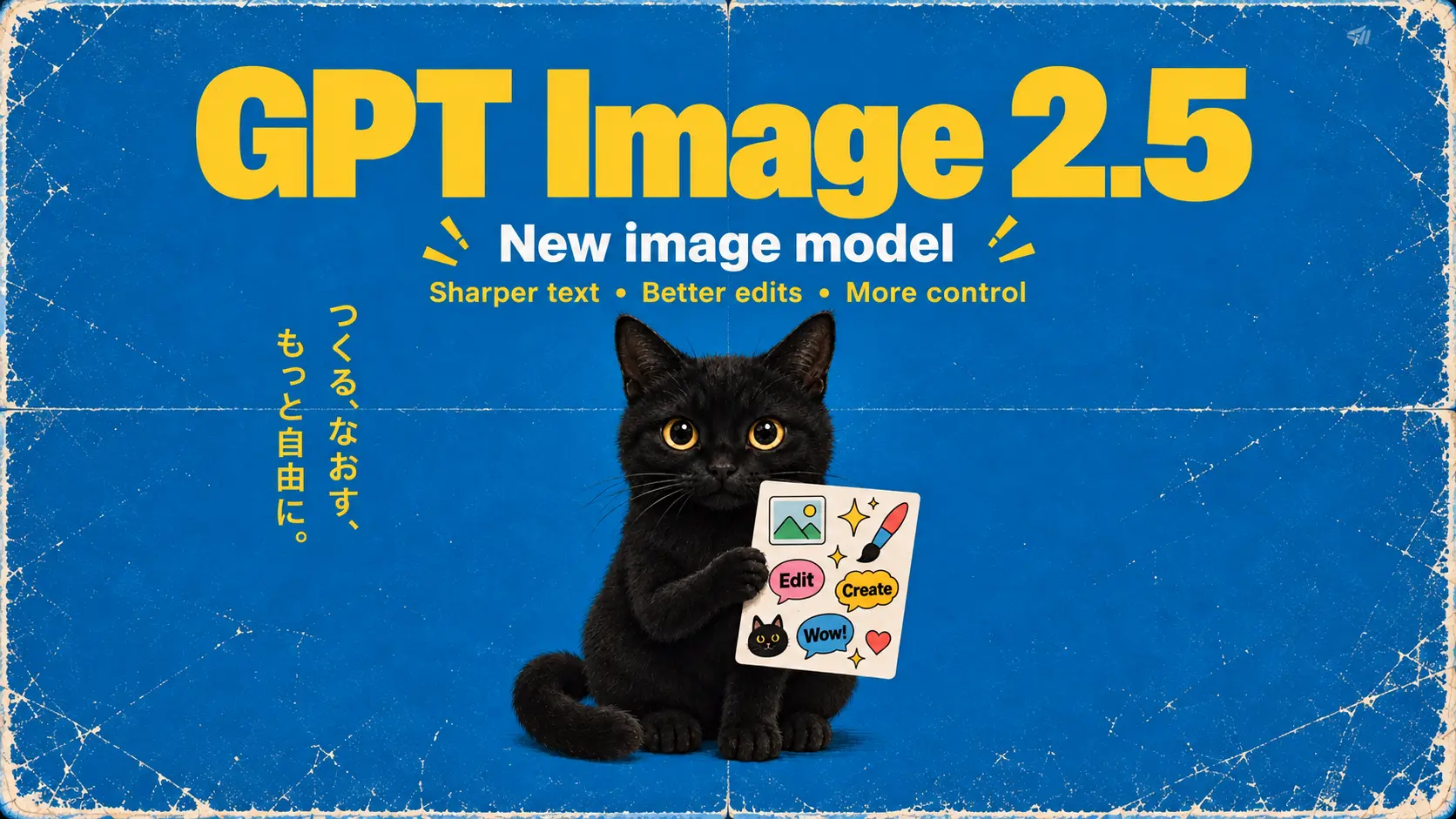
GPT Image 2.5

GPT Image 2.5

Create from a prompt or edit references with GPT Image 2.5: Flare for everyday exploration, or Sunburst for more detailed edits.

Page coming soon →

How it works

Create AI Images in 4 Simple Steps

Preview the result before downloading. Check text, faces, product details and other important elements; another generation may be needed.

1

Choose Your Mode

Create images from a prompt or use reference images to guide an edit. Develop product visuals, character studies and assets for your next video.

2

Customize Settings

Choose from the aspect ratios, resolutions and options offered by the current model and mode. Availability can differ between workflows.

3

Generate & Refine

Preview the result before downloading. Check text, faces, product details and other important elements; another generation may be needed.

4

Save Your Creation

Preview the result before downloading. Check text, faces, product details and other important elements; another generation may be needed.

Why Choose NovaImage

What Makes Our AI Image Generator Different

Create images from a prompt or use reference images to guide an edit. Develop product visuals, character studies and assets for your next video.

Image Models for Different Creative Tasks: Create images from a prompt or use reference images to guide an edit. Develop product visuals, character studies and assets for your next video.

Image Models for Different Creative Tasks

Create images from a prompt or use reference images to guide an edit. Develop product visuals, character studies and assets for your next video.

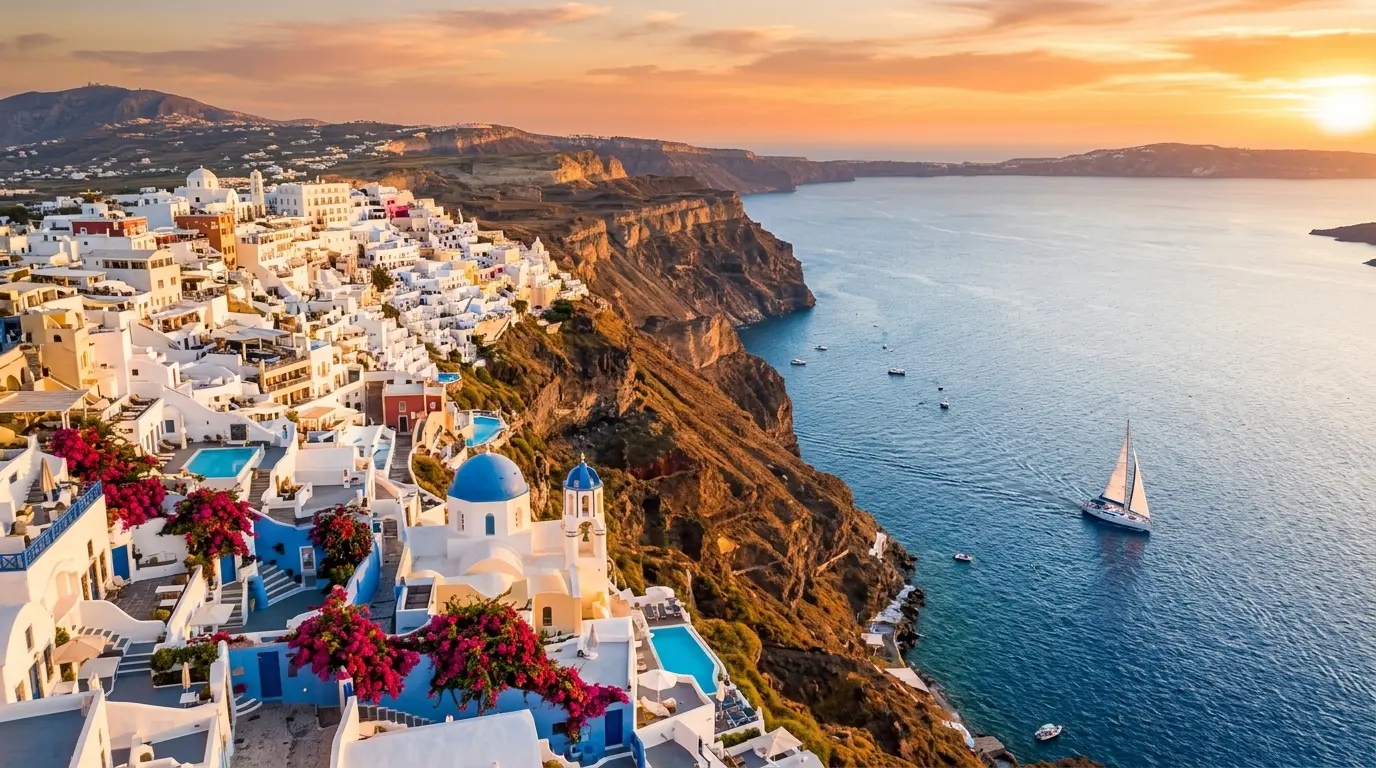
Edit by Conversation, Not Guesswork: Describe a specific change to the subject, background or lighting. Review the new result and use it as a reference for another iteration when needed.
Edit by Conversation, Not Guesswork

Describe a specific change to the subject, background or lighting. Review the new result and use it as a reference for another iteration when needed.

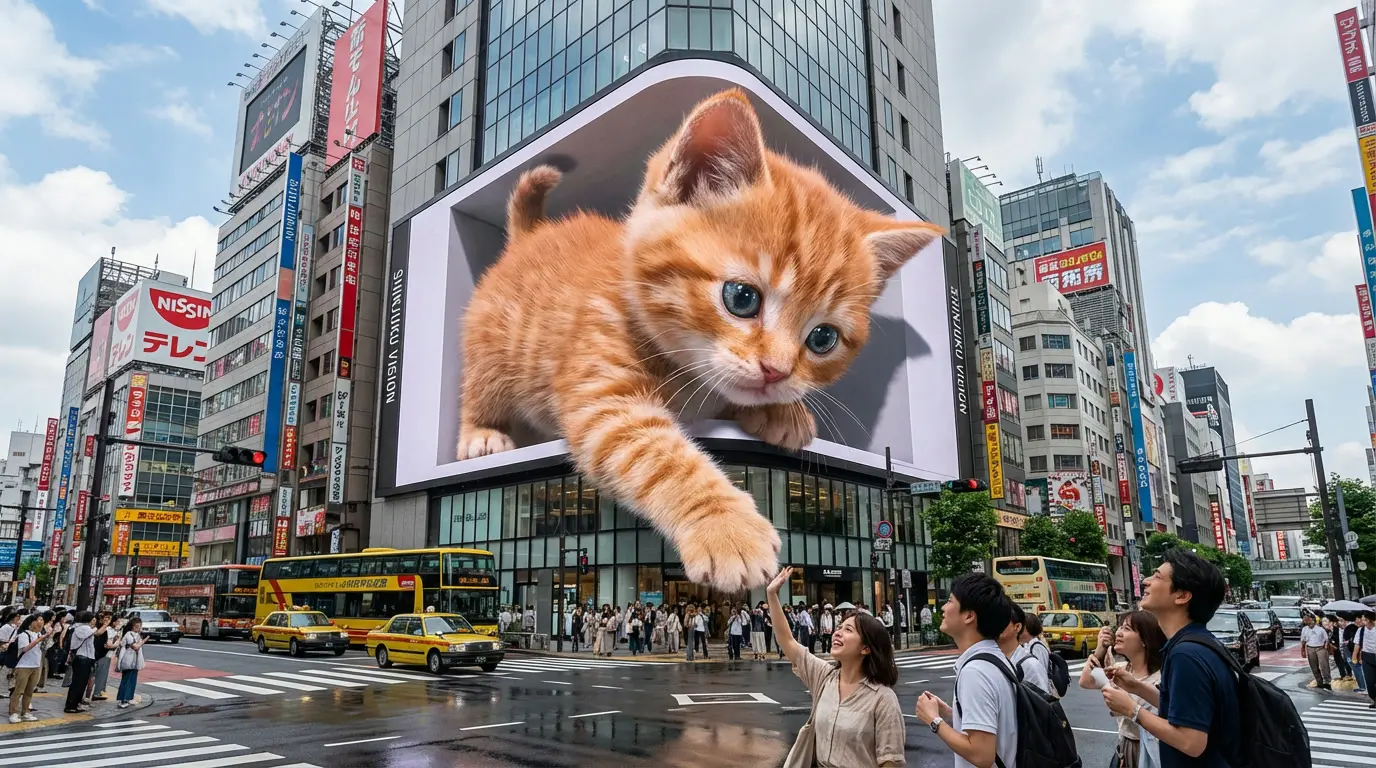
Output Control That Matches the Job: Choose from the aspect ratios, resolutions and options offered by the current model and mode. Availability can differ between workflows.
Output Control That Matches the Job

Choose from the aspect ratios, resolutions and options offered by the current model and mode. Availability can differ between workflows.

From Prompt to Finished Asset: Preview the result before downloading. Check text, faces, product details and other important elements; another generation may be needed.

From Prompt to Finished Asset

Preview the result before downloading. Check text, faces, product details and other important elements; another generation may be needed.

Model guide

Explore AI Image Generator Models

Choose from the aspect ratios, resolutions and options offered by the current model and mode. Availability can differ between workflows.

Flare / Sunburst

GPT Image 2.5

Create from a prompt or edit references with GPT Image 2.5: Flare for everyday exploration, or Sunburst for more detailed edits.

Page coming soon
GPT Image 2.5 Flare

Use Flare for everyday image ideas and variations.

GPT Image 2.5 Sunburst

Choose Sunburst when your reference edits need closer attention to detail and composition.

Creative fit

Select Flare or Sunburst, then describe the result you want and the details to preserve.

Built for real creative work

AI Image Generator Use Cases

Create product visuals, campaign assets, character references, and social posts with the AI Image Generator.
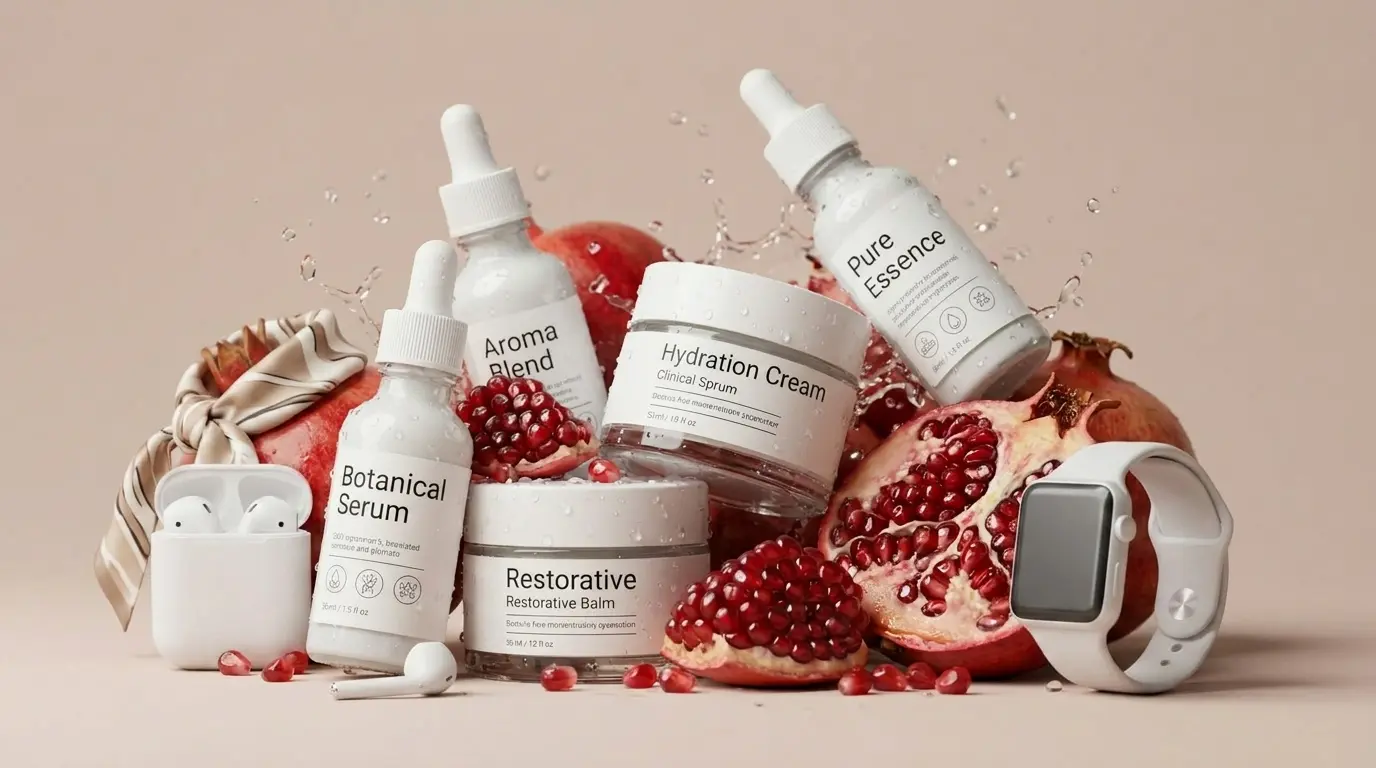
E-Commerce Product Images: Build product scenes, seasonal versions, and promotional backgrounds with NovaImage, developing each variation from your original direction.
E-Commerce Product Images

Build product scenes, seasonal versions, and promotional backgrounds with NovaImage, developing each variation from your original direction.

Product scenesVariationsCampaign assets
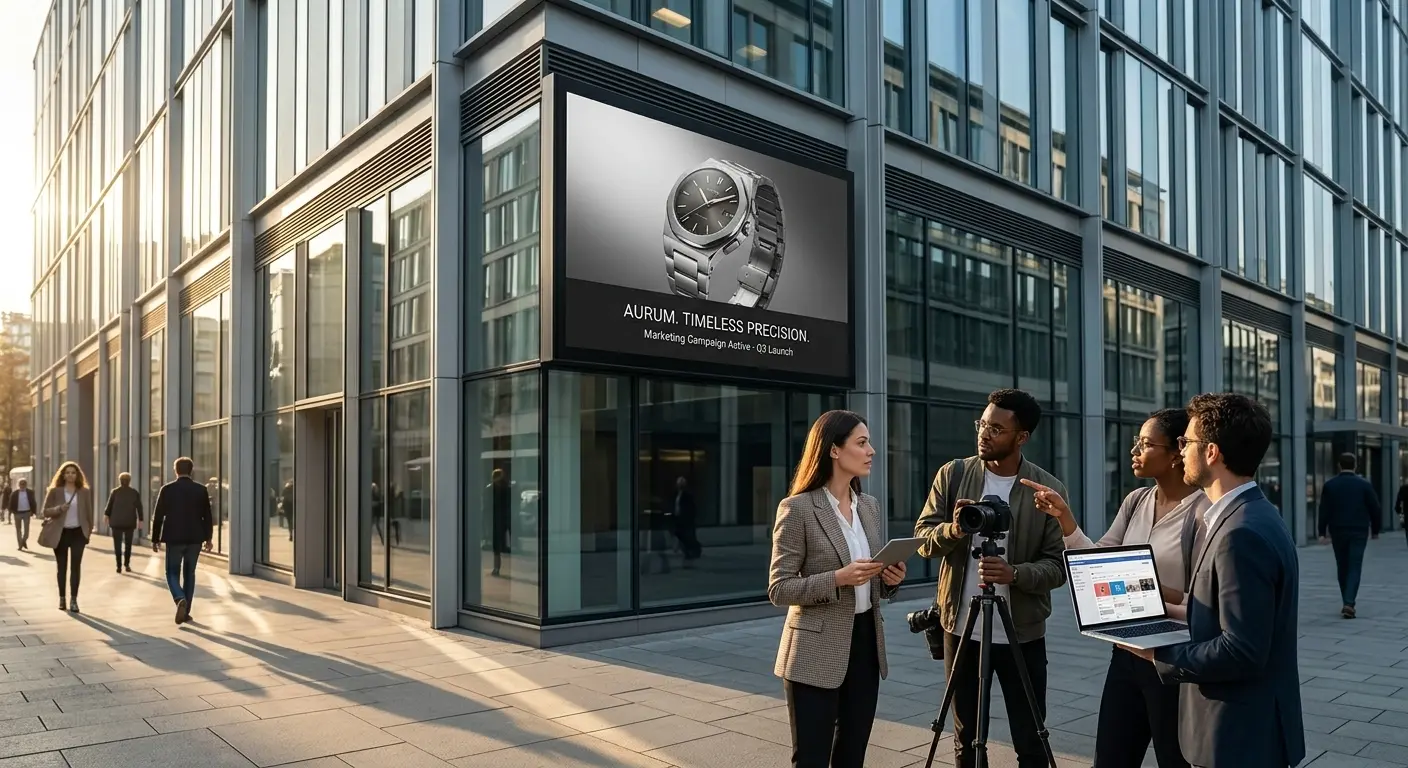
Marketing & Brand Campaigns: Use NovaImage to turn campaign ideas into ad concepts and brand graphics that are ready for creative review.
Marketing & Brand Campaigns

Use NovaImage to turn campaign ideas into ad concepts and brand graphics that are ready for creative review.

Ad conceptsBrand visualsLaunches
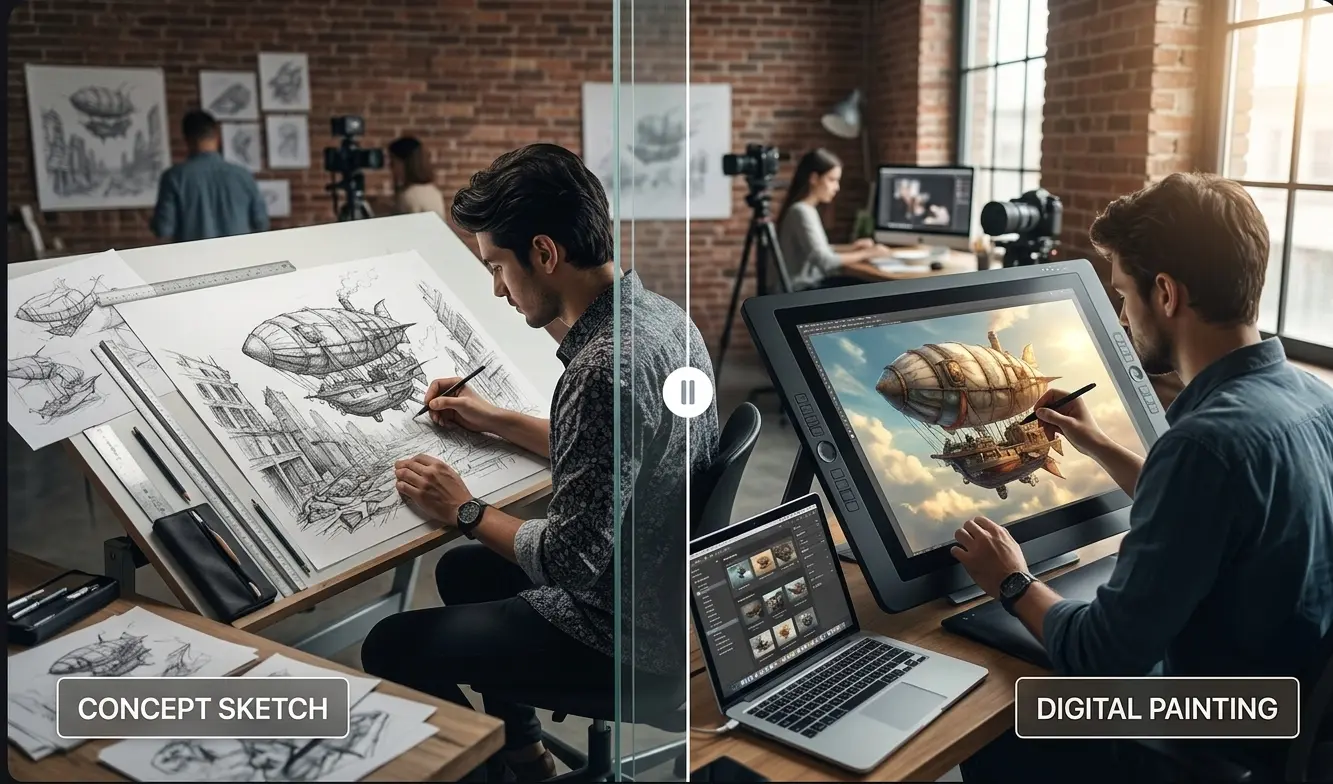
Characters & Storyboards: Explore character references, alternative scenes, and storyboard sequences while keeping the same creative direction.
Characters & Storyboards

Explore character references, alternative scenes, and storyboard sequences while keeping the same creative direction.

CharactersStoryboardsConcept art
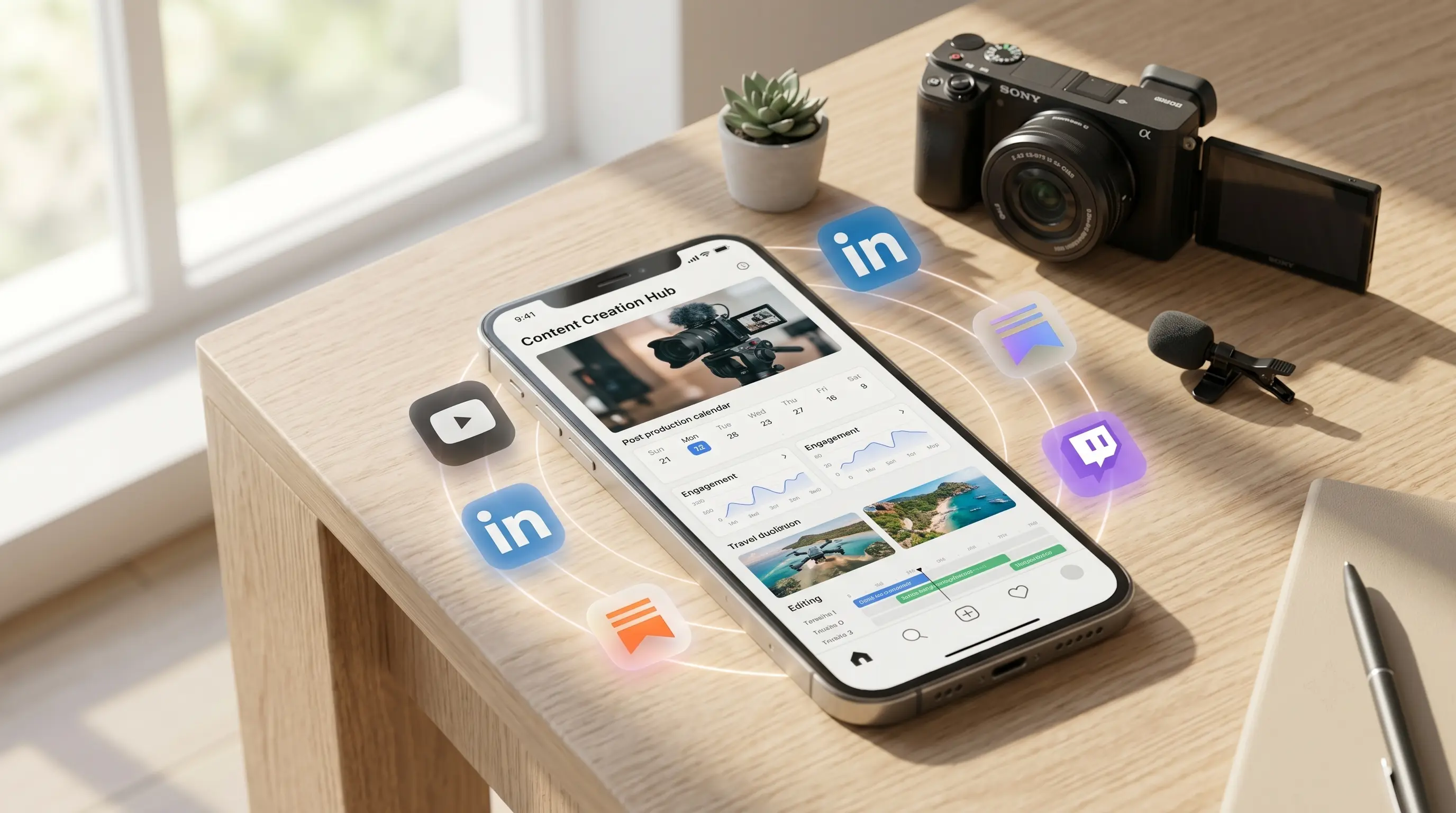
Social Content at Scale: Create variations for posts, thumbnails, and recurring content without rebuilding each visual from the beginning.

Social Content at Scale

Create variations for posts, thumbnails, and recurring content without rebuilding each visual from the beginning.

Social postsThumbnailsCreator content

FAQ

AI Image Generator FAQ

Practical answers before you start creating and editing images in NovaImage.

With the AI Image Generator, create original images from text prompts, transform reference images, develop product visuals, explore concepts, and generate variations for your creative workflow.

The AI Image Generator in NovaImage includes Nano Banana 2, Nano Banana Pro, GPT Image 2.5, and GPT Image 2. Each model is suited to different creative goals and controls.

Yes. The AI Image Generator supports image-to-image workflows where you upload reference images and guide your result with text instructions. The number of supported references depends on the model you choose.

For the AI Image Generator, choose Nano Banana 2 for fast iteration and multi-reference work, Nano Banana Pro for detailed high-fidelity output, and GPT Image 2 for strong instruction following, readable text, and structured layouts.

The AI Image Generator is available with complimentary credits for new NovaImage accounts. Each model and output setting has its own credit cost, which is shown before you generate; visit Pricing when you need more credits.

You can explore the AI Image Generator without an account, but signing in is required to generate images, use credits, and keep your work connected to your workspace.

For AI Image Generator reference workflows, use JPG, PNG, or WebP files. File-size limits and the maximum number of references vary by model; GPT Image 2 supports up to 16 reference images.

Commercial use of Banana AI-generated images is subject to NovaImage's terms and any requirements of the selected AI model provider. Review the applicable terms before publishing images or using them in paid work.

AI Image Generator · Describe your idea

Credits depend on the selected mode and options. Check the amount shown on the Generate button before submitting.

Start creating

NovaImage is an independent video and image creation platform using third-party AI models. Learn more